
Zelle®.
Send and receive money directly between bank accounts.

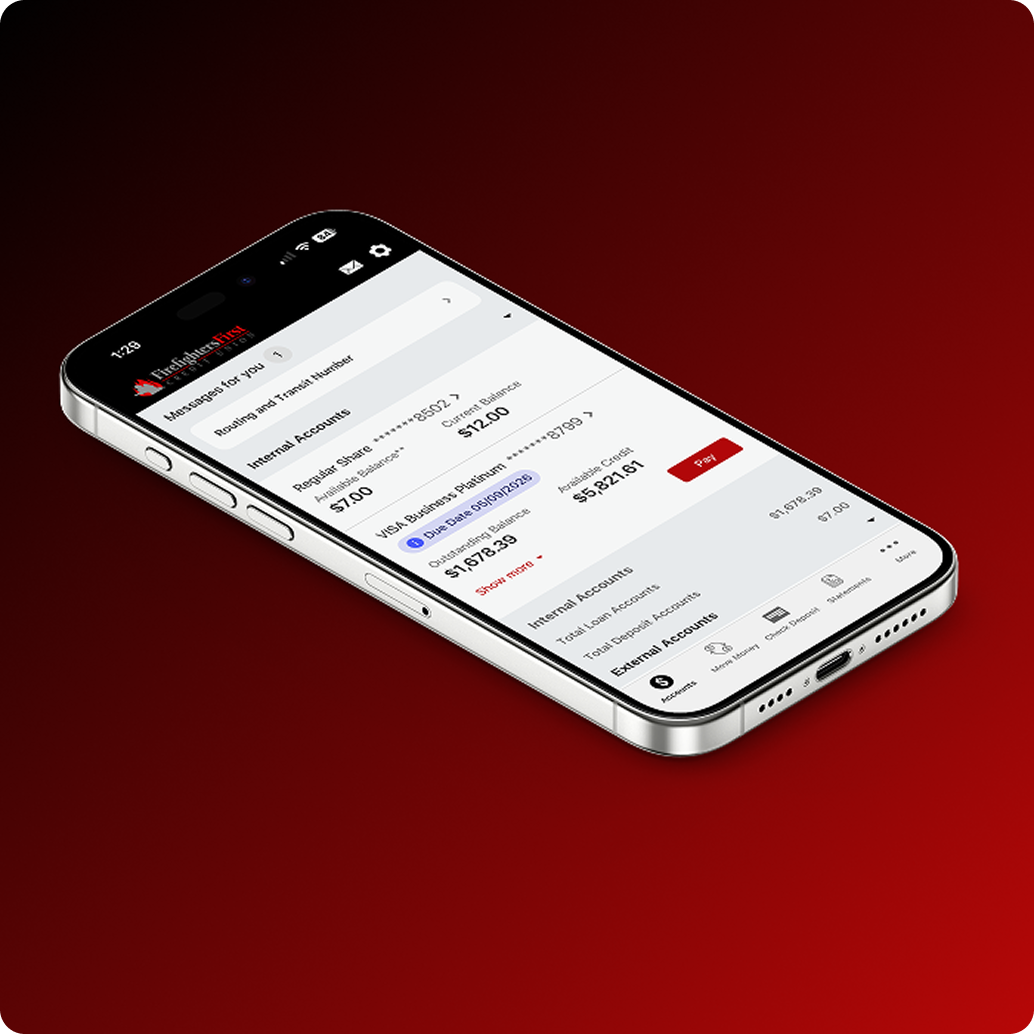
From checking your balance to updating your contact information, here’s what you can do directly through Online Banking or the FireFirstCU mobile app.
Check your current balance and account details across all your Firefighters First accounts in one view.
Search and review your transaction history, including clearly itemized pending transactions so you always know what is coming through.
Access your full account numbers directly through Online Banking or the FireFirstCU mobile app without needing to call or visit a branch.
See the maturity dates for your share certificates so you can plan your next move before they renew.
Update your mailing address, email address or phone number to keep your account information current at any time.
Recover your username or reset your password quickly without needing to contact us.

Take full control of your cards directly in the FireFirstCU mobile app. Turn cards on or off, view details, set alerts, add travel notices, update nicknames, control transactions and manage your PIN. Everything you need to stay secure, flexible and in control.

From loan payments to member-to-member transfers, here is everything you can do to move money and manage payments through Online Banking or the FireFirstCU mobile app.


From depositing a check with your camera to checking your FICO® Score without a branch visit, here are a few more things you can do directly through the FireFirstCU mobile app.


Apple, the Apple logo, iPhone, and iPad are trademarks of Apple Inc., registered in the U.S. and other countries. Apple Pay and Touch ID are trademarks of Apple Inc. Google, Google Pay, Google Play, and the Google Logo are trademarks of Google Inc. All third-party companies, products and service names used are for identification purposes only. All service marks, trademarks and registered trademarks are the property of their respective owners.