
Verify the Website
Always check the browser URL before signing in to confirm you are on the official site.

Cybercriminals sometimes send fraudulent emails that appear to come from Firefighters First Credit Union in an attempt to steal your personal account information. This tactic, known as phishing, often involves fake websites or phone numbers designed to look and feel like the real thing. If something feels off, trust your instincts and report it right away.

If you receive an email that looks like it is from Firefighters First but feels off, do not click any links or respond. Send it to us for review, then remove it from your inbox to help protect your information.
Phishing scams are designed to look like legitimate messages from trusted sources. They may direct you to fake websites that mimic Firefighters First or ask you to call a phone number and share personal or account information. The goal is to gain access to your accounts or steal your identity, so it is important to recognize the signs and avoid engaging.
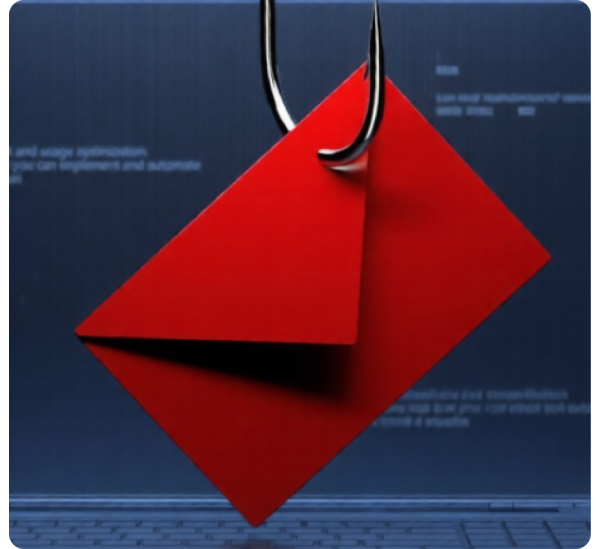

Follow these practical steps to protect your personal information, avoid scams, and keep your accounts secure online.


Look for red flags like unexpected messages, urgent requests, unfamiliar links, or requests for personal information. Even if it looks like it is from Firefighters First, always verify before taking action.
If you clicked a link or entered any information, contact us immediately. Change your passwords and monitor your account closely for any unusual activity.
No. We will not ask for sensitive information like passwords, account numbers, or verification codes through email. If you receive a request like this, treat it as suspicious.
No. Attachments from unknown or unexpected emails may contain malware. Do not open them unless you are certain the source is legitimate.
Do not respond or click any links. Contact us directly using a trusted phone number or report the message so we can help verify it.